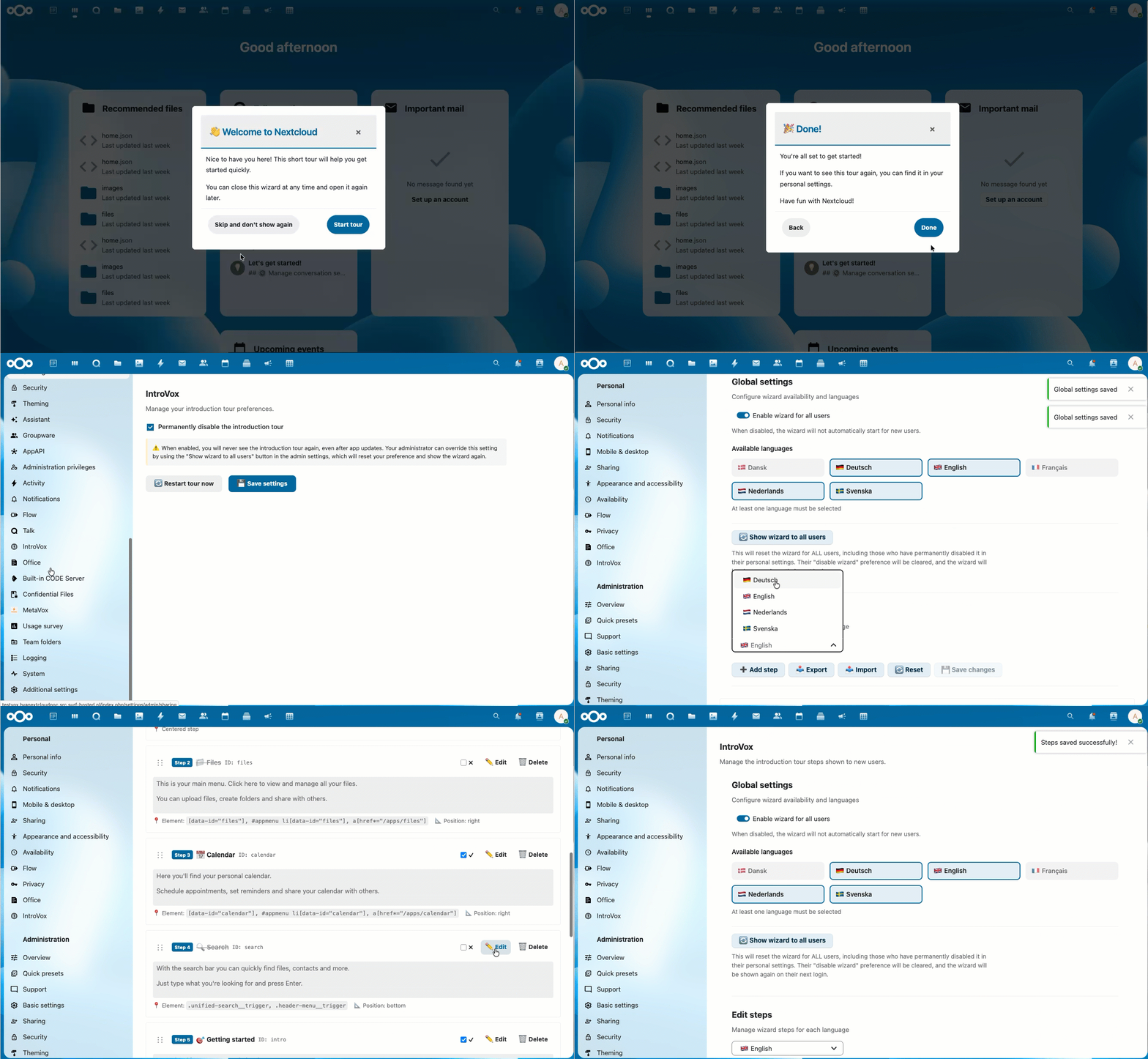
Interactive onboarding tours for Nextcloud
An interactive onboarding application for Nextcloud built with Vue 3 and Shepherd.js. Help new users discover Nextcloud with guided tours.
On first login, a welcome message automatically appears. The tour takes approximately 2-5 minutes and is completely optional.
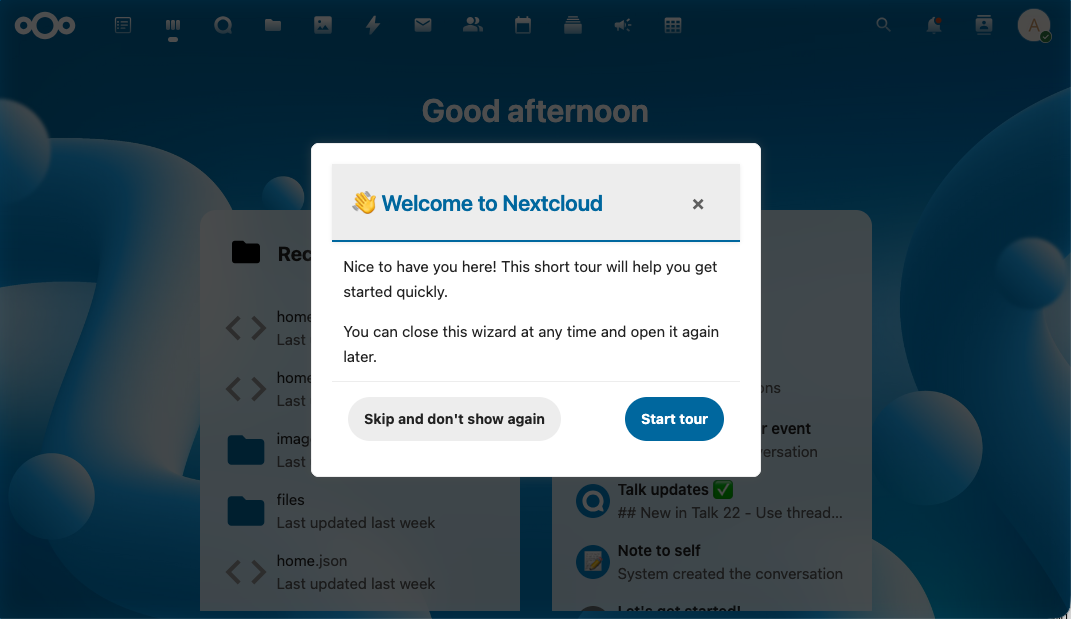
Navigate through the tour with clear "Previous" and "Next" buttons.
Enter for next step, Backspace for previous, Escape to close.
"Skip and don't show again" button on the first step for immediate disable.
IntroVox supports 6 languages out-of-the-box with Transifex integration for community translations.
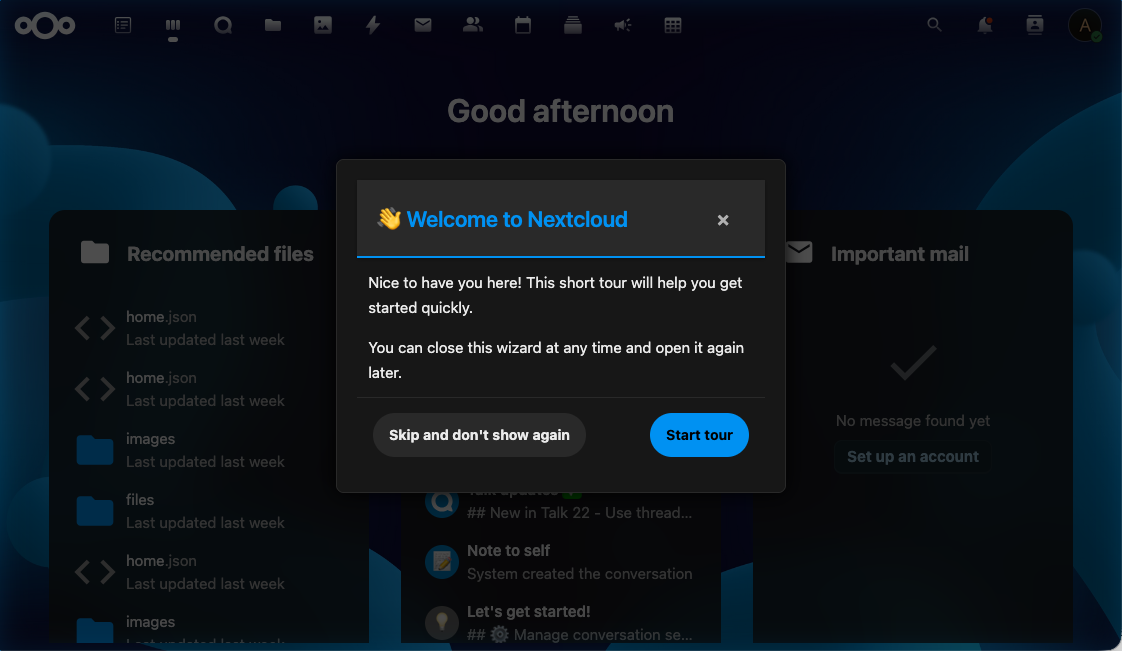
IntroVox automatically adapts to your Nextcloud theme.
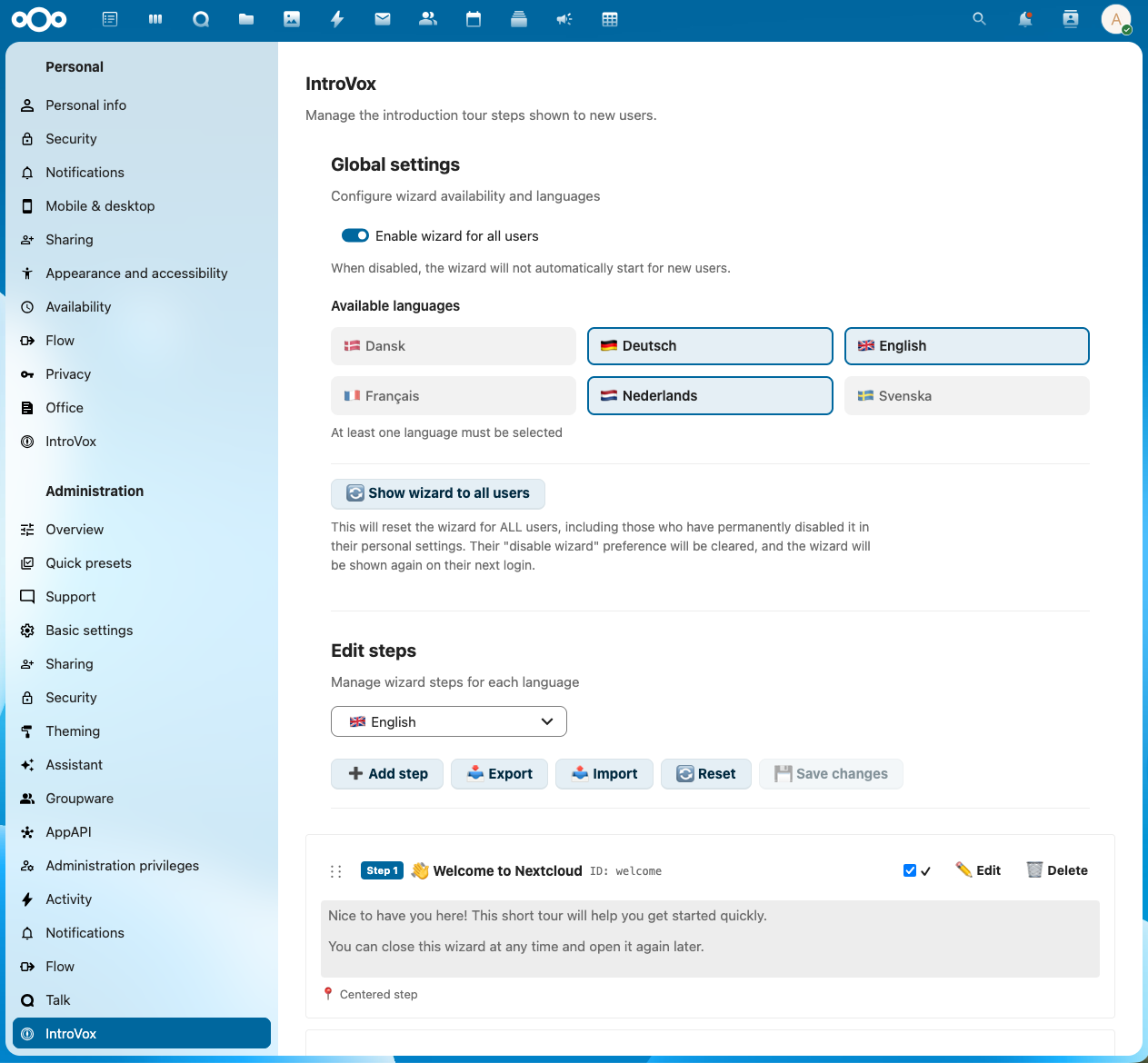
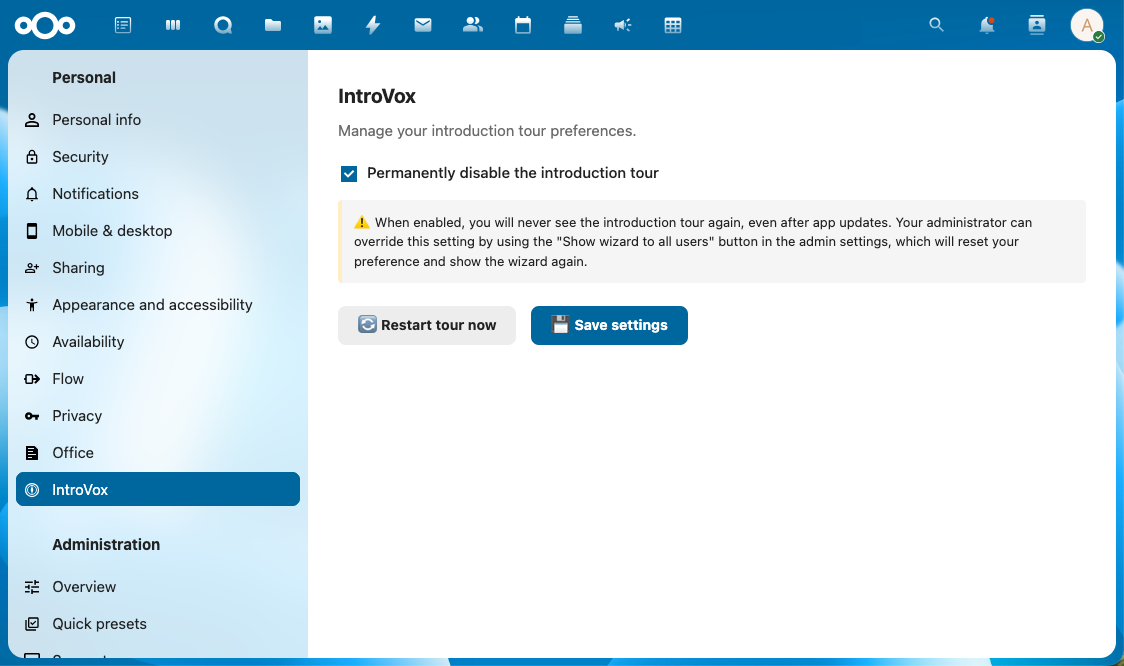
Users have full control over their onboarding experience.
Add, edit, delete and reorder steps with drag-and-drop.
Configure different tour steps for each supported language.
ID, title, text, CSS selector and position configurable per step.
Enable or disable individual steps without deleting them.
Reset steps to default values with one click.
Show the tour again to all users after major updates.
Download wizard configurations as JSON file for backup or sharing.
Collaborate with content creators offline on tour configurations.
Create backups and maintain different versions of your configurations.
Synchronize configurations between multiple Nextcloud installations.
Fully accessible via keyboard with clear focus indicators.
Support for screen readers with correct ARIA labels.
Respects reduced motion preferences for users with vestibular disorders.
Works perfectly in high contrast mode for visually impaired users.
The tour works on tablets and smartphones with adapted layouts.
Larger touch targets for easy navigation on touchscreens.
Tooltip positioning adapts to screen size.
Roll out Nextcloud to many new users with minimal support questions thanks to effective onboarding.
Help students and staff quickly find their way in the digital work environment.
Multilingual organizations benefit from automatic language detection and per-language configuration.
Developed in collaboration with SURF, the Dutch education and research organization.
Modern frontend framework with Composition API for fast, reactive UI.
Proven tour engine for reliable step-by-step guidance.
Only ~210 KB optimized bundle. No external dependencies.
All data stored locally, no external services required.
IntroVoxIntroVox was developed in collaboration with SURF, the Dutch collaborative organization for ICT in education and research, who identified the need for effective onboarding.
IntroVox is available under the AGPL-3.0 license. The source code is fully open-source and available on GitHub.